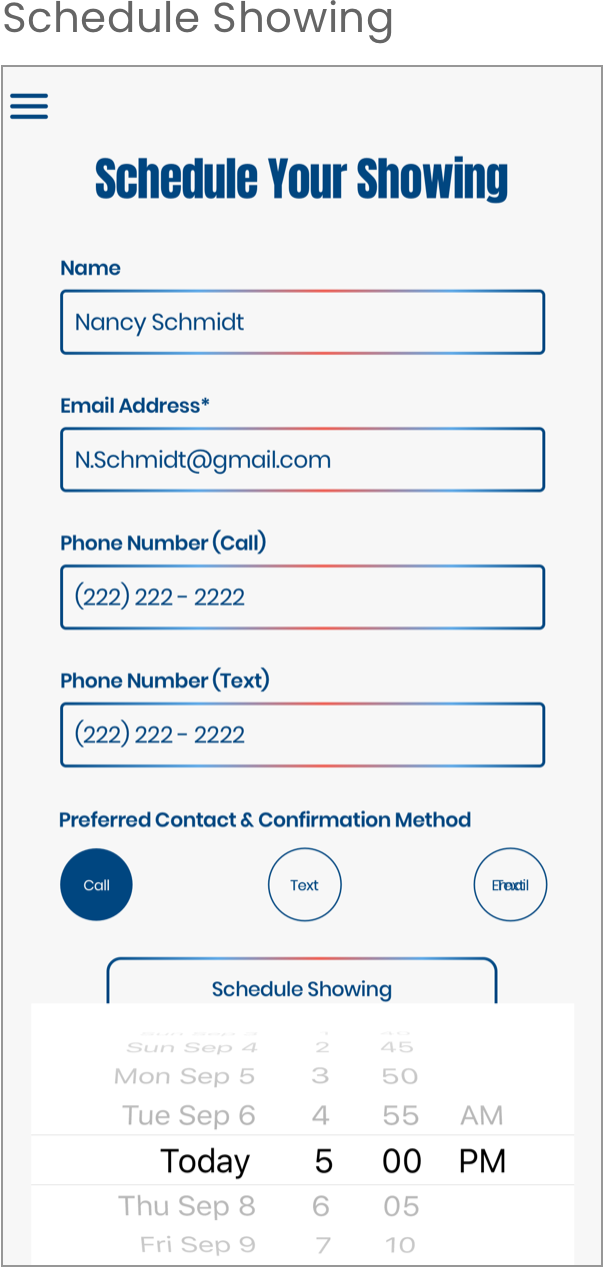
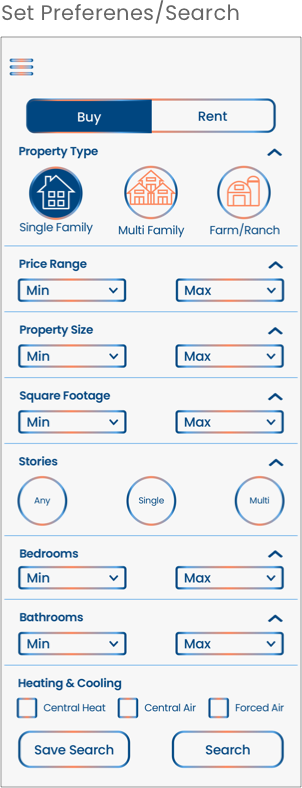
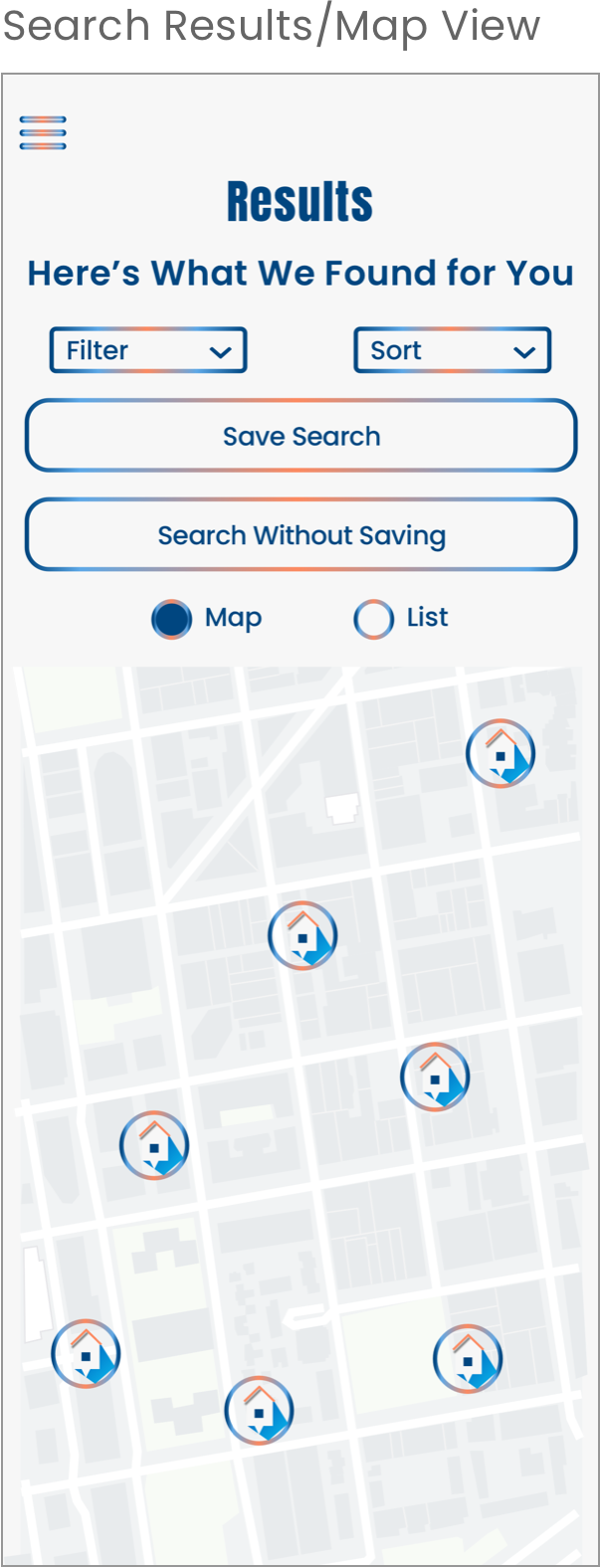
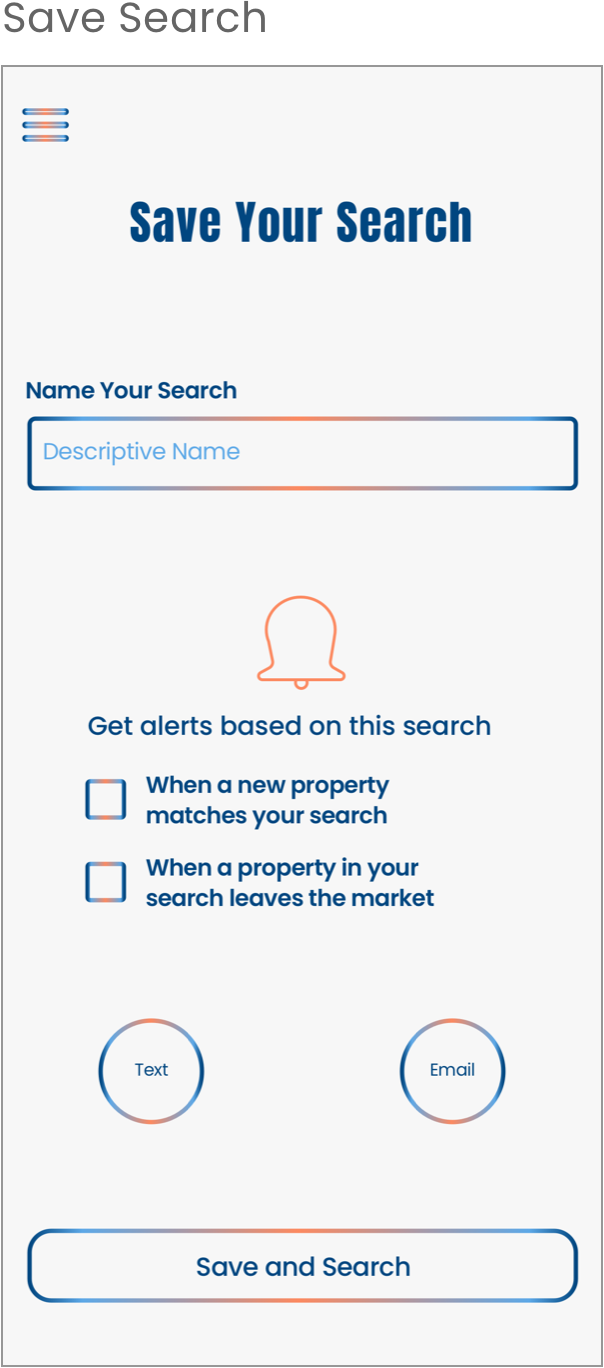
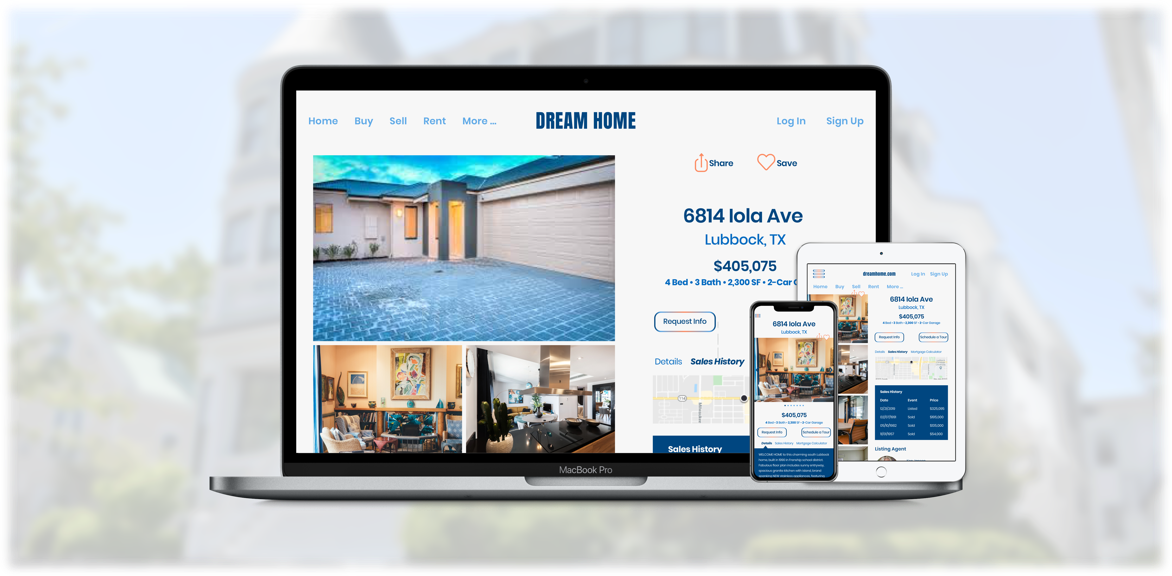
Write the copy and design the UI (and UX) for a real estate app, including original assets
Project Brief
Create a notional real estate app – a responsive web app that provides property buyers with information about properties they’re interested in.
The target audience was primarily small-scale property buyers who want to invest for additional income or financial security but were new to the market, typically in their mid-30s to mid-50s.
Problem
Unseasoned buyers need access to reliable, uncomplicated, information about their potential property investments. Buyers would be able to get a feel for a place by viewing comprehensive information about the property and its neighborhood before spending time onsite.
Users must be able to
search for properties by inputting relevant criteria
easily view and return to listings they are interested in
find pertinent, comprehensive information about properties
Branding requirements specified a clean, quick, smart interface in greens or blues and original icons.
My Role
I was responsible for the entire design process.
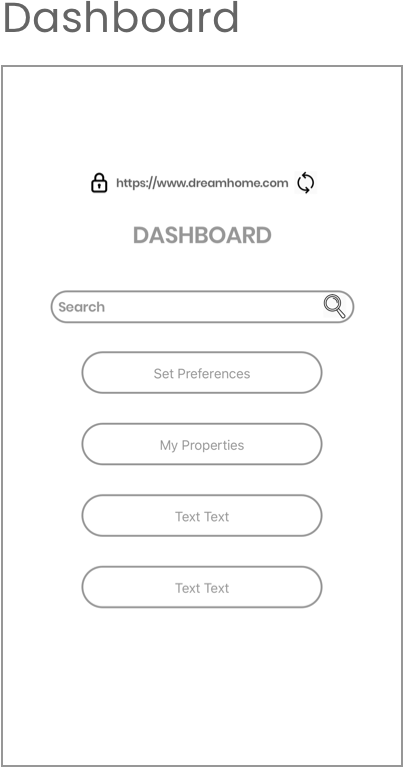
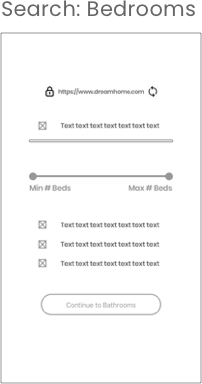
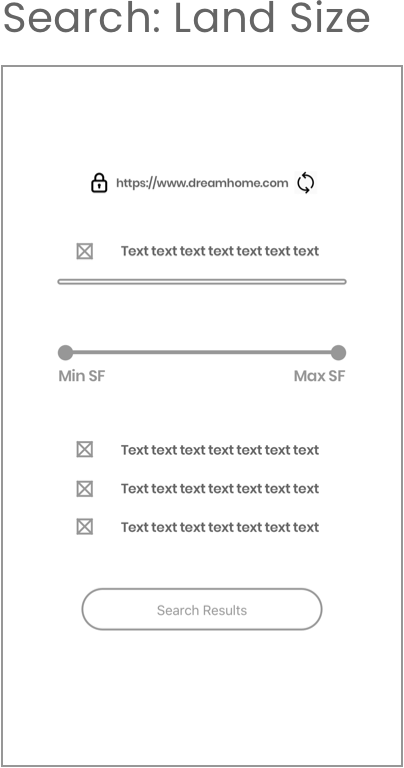
iterated, accessible low-, mid-, and high-fidelity wireframes
original assets (iconography)
original copy
interactive prototypes
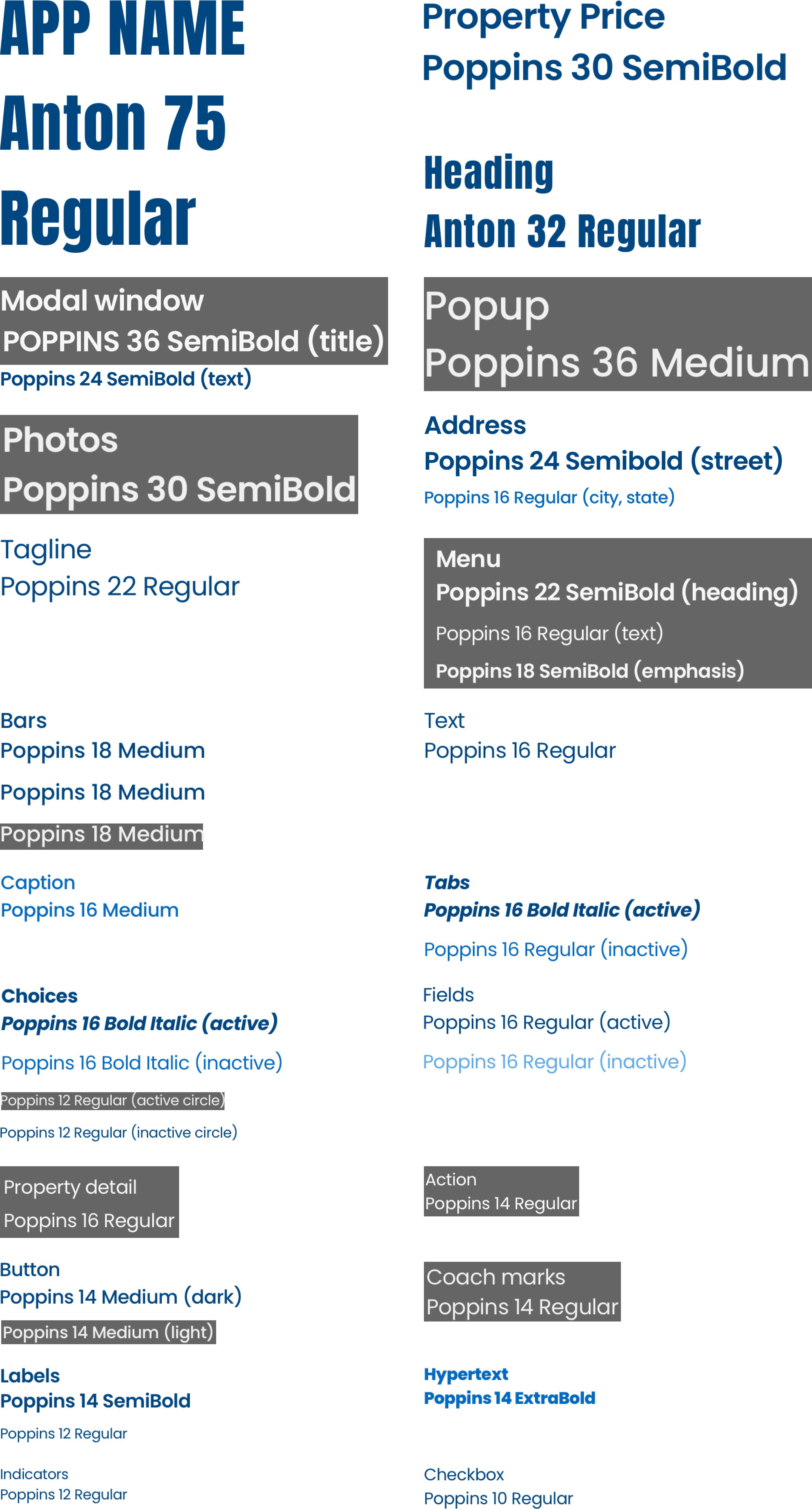
style guide
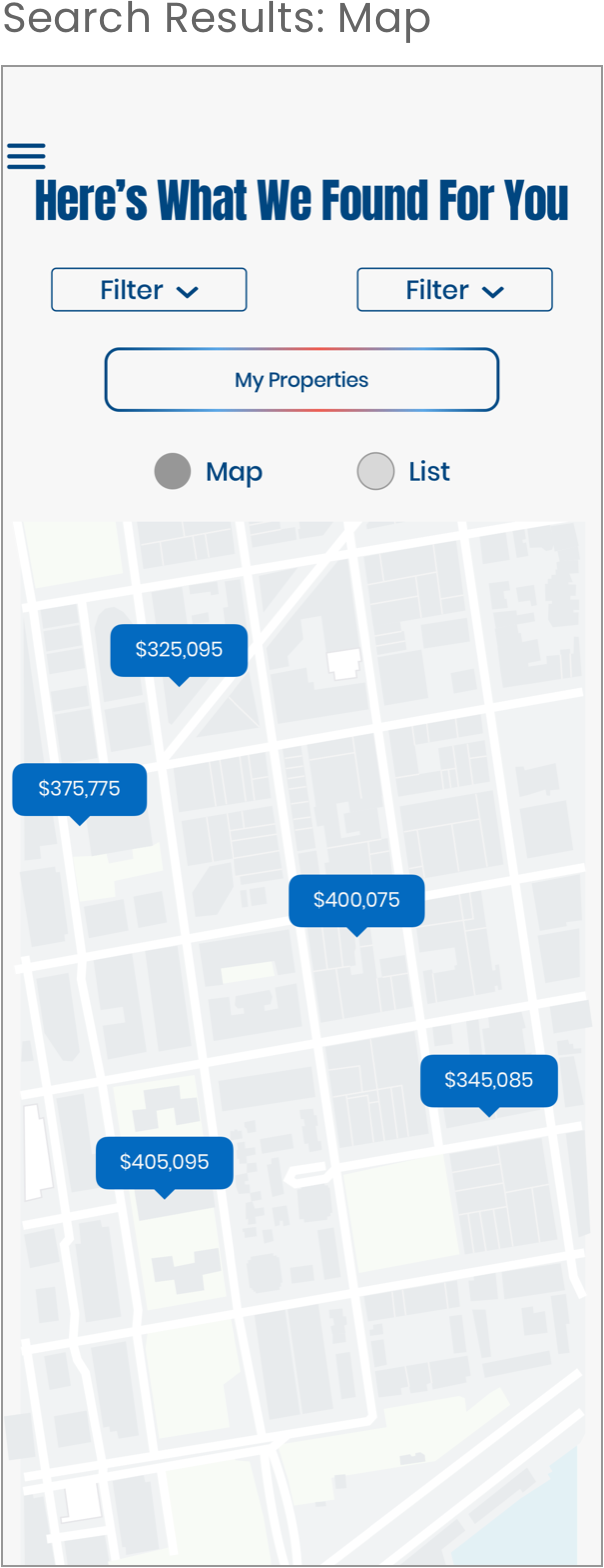
mockups and presentation mockups
Process
I first researched the target audience, then conducted competitor analyses looking for gaps and areas for improvements.
Next, I researched color palettes and design elements, constructed a style guide design/pattern library, and original iconography, and set up components for reuse.
Once those were in place, I designed low-, mid-, and high-fidelity wireframes, iterating as I acquired new information until I arrived at the final design and constructed interactive prototypes, and mockups.
This was a notional project, so I did not conduct user research or usability testing.
Tools
Figma
Sketch
InVision
Microsoft PowerPoint (final design file in Sketch)